


Ableton Live 12.4: “Goodbye Cables or almost”
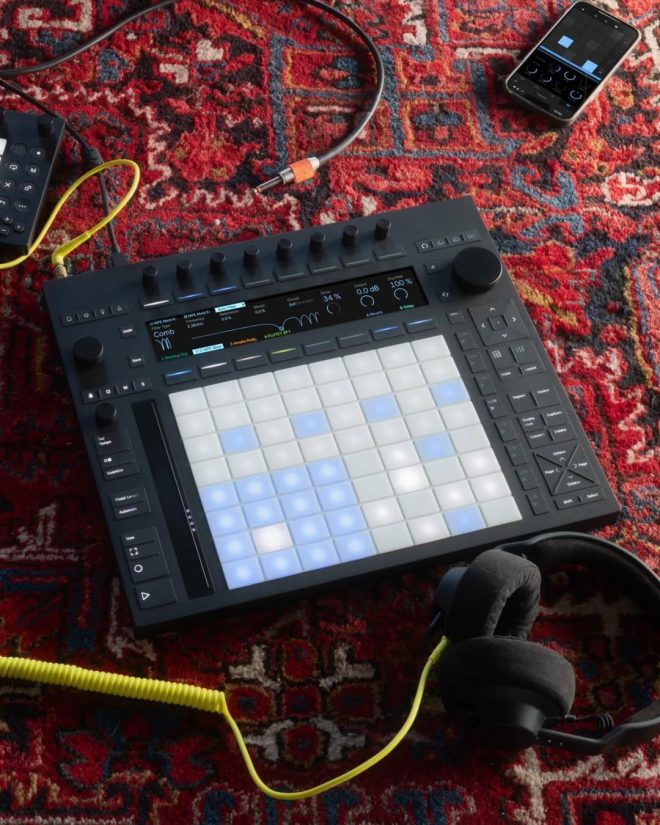
There's a big difference between syncing and actually playing together.
Since 2016, Ableton Link has made the first part natural: tempo, beat, and phase shared on a local network, without MIDI clock jamming and without the classic discussions about “who is the master?”.
With Live 12.4, Ableton adds the missing piece that could finally turn a jam into a distributed modular system — and perhaps retire a few tangles of cables on the studio floor.
Here comes Link Audio, real-time audio streaming between Link devices on the same network.
And yes, before we get too excited: the cables are not technically extinct. But for the first time there is a real possibility that the floor of your studio will be visible again.
What Link Audio Really Does
The point is not simply “send audio over Wi-Fi”. This idea has existed for years in various forms.
The real leap is that everything happens inside the Live workflow.
Audio coming from other devices appears directly as input in the Live mixer.
You can monitor it, record it, process it, send it to sends, resample it, or route it to buses — without additional interfaces, makeshift patchbays, or the classic moment you find yourself under your desk searching “that cable that was definitely here five minutes ago”.
In other words: fewer adapters, fewer converters, fewer existential crises in the face of a tangle of jacks.
Audio link in a sentence
Link Audio is Ableton Link evolving from a shared metronome to a virtual audio cable.
Multiple compatible devices enter the same Link session and exchange real-time audio over the local network.
This also implies a small but important cultural change. Instead of saying “send me stems later” or “export me”, the workflow becomes:
“Bring your tool and let's get it directly into the session.” No exports. No transfers. No folders called “FINAL_FINAL_V7”.
Because it's a big leap for collaboration and immediate studio live
1. Immediate collaboration in the studio
If you're in the studio with another producer, Link Audio becomes the modern version of the “I pass you two channels on the mixer”.
Only now:
-you don't have to reconfigure hardware I/Os
-you don't have to chase latency by ear
-you don't have to find that mysterious adapter that only works if you hold it tilted 30 degrees
The signal simply appears inside Live as a source.
For writing, pre-production, or collaborative sound design sessions, the advantage is psychological rather than technical: less friction.
Less time to fix the setup. More time making music.
2. Modular live sets
The most interesting scenario in performance is that of a distributed setup where each machine does only one thing and does it well.
For example:
-drum machine computer
-workstation for synth
-rig for voice or microphone
-sampler
-effects processor
Live becomes the point where everything converges for:
-processing insert and return
-resampling on the fly
-multitrack recording of the performance
It's an approach closer to a modular hardware rig, just without the feeling that a disconnected cable could bring down the entire system.
3. The old laptop suddenly comes in handy
Every studio has that old computer that no one has the courage to throw away.
It usually just sits there like a digital relic, waiting for the day when someone says: “maybe that plugin is still running”.
With Link Audio, that machine can come in really handy.
A secondary computer can become:
-granular or ambient texture generator
-synth or heavy reverberation machine
-Host for creative plug-in chains
-dedicated player of stems or loops
The audio comes directly into the main Live session and behaves exactly like a physical input. The only thing missing is the ritual of connecting five cables only to find that one is broken.
Important note: The experience still depends a lot on network quality and latency. Ableton and early analysis point out that wired connection (Ethernet) remains preferable to Wi-Fi when stability and low latencies are needed. So yes, the cables don't disappear completely. They are just… reassigned.
4.How to use, in practice
The concept of operation is surprisingly simple.
-All devices are connected to the same local area network (LAN)
-Ableton Link activates on every device
-Audio Link activates where available
-In Live you select the Link Audio stream as input to an audio track
From there you can:
-monitor
-record
-process with effects
-send to returns
-resampling or sampling directly in Simpler or Drum Rack
At that point the technology disappears and only the music remains.
5. A Very “Ableton” Move
Historically, Ableton wins when it manages to turn a technical problem into a musical gesture. Ableton Link has eliminated the liturgy of MIDI synchronization.
Link Audio tries to do the same with audio routing between devices.
Less engineering. More music. If the developer ecosystem around the SDK grows, we may be faced with one of those features that seem revolutionary today but will simply be… normal in two years. Or, put in a more club-like way:
The moment a jam stops being a puzzle of cables and adapters and finally becomes a music ecosystem. And maybe even the moment when many producers can look at their studio floor and say:
“Wait a minute… but was there always a desk under these cables?”
